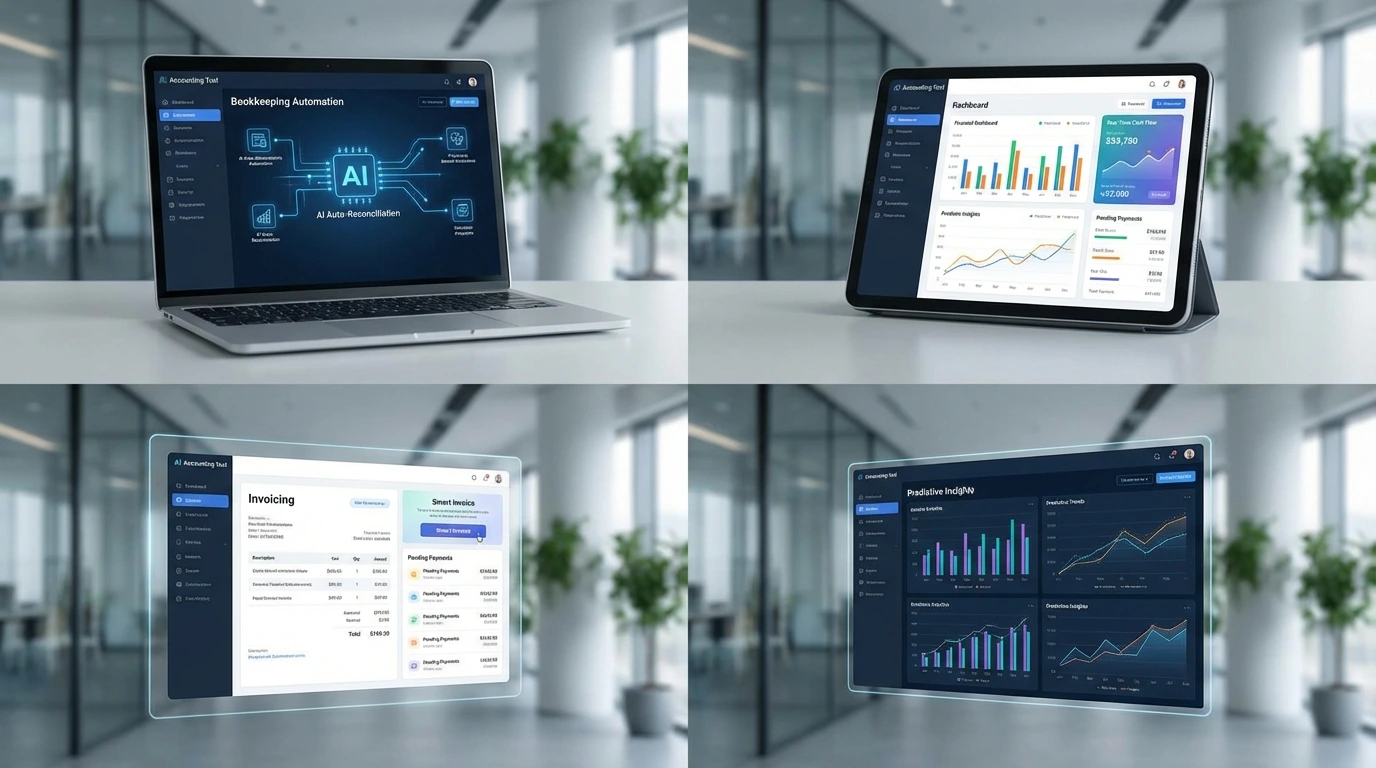
Managing finances is one of the most critical—and time-consuming—parts of running a business. In 2026, AI accounting software is transforming how businesses handle bookkeeping, invoicing, and financial analysis. Instead of spending hours on spreadsheets and manual entries, companies are now using intelligent tools to automate financial tasks and improve accuracy.
Whether you’re a small business owner, freelancer, or growing startup, adopting AI accounting software can help you reduce errors, save time, and gain better insights into your financial performance. With the rise of automated accounting software, even non-accountants can manage finances efficiently.
In this guide, we’ll review the top AI accounting tools available today, explain how they work, and help you choose the best solution for your business.
What Is AI Accounting Software and How Does It Work?
Before exploring the tools, it’s important to understand what AI accounting software actually does.
AI accounting tools use machine learning and automation to perform tasks such as:
- Categorizing transactions
- Reconciling accounts
- Generating financial reports
- Creating invoices
- Detecting anomalies or errors
Unlike traditional software, these tools learn from your financial data over time. This means they become more accurate and efficient as you use them.
For example, instead of manually sorting expenses, AI bookkeeping tools automatically categorize them based on patterns. Similarly, AI can identify unusual transactions, helping prevent fraud or costly mistakes.
Another key feature is real-time insights. Businesses no longer need to wait until the end of the month to understand their finances. AI tools provide up-to-date dashboards that show cash flow, expenses, and profitability.
This is especially useful for AI for small business accounting, where resources are limited and efficiency is crucial.
In short, AI accounting software simplifies financial management while improving accuracy and decision-making.
Top AI Accounting Software for Businesses in 2026
There are many tools available, but not all offer the same level of automation and value. Here are some of the best options for businesses in 2026.
1. QuickBooks Online (AI-Powered Features)
QuickBooks remains one of the most popular accounting platforms, now enhanced with AI capabilities.
Key Features:
- Automatic expense categorization
- Smart invoicing and reminders
- Financial forecasting
Best for: Small to medium businesses
Why it stands out: Reliable, widely used, and continuously improving with AI
2. Xero
Xero integrates AI to simplify bookkeeping and financial reporting.
Key Features:
- Automated bank reconciliation
- Real-time financial dashboards
- Integration with third-party apps
Best for: Growing businesses
Why it stands out: Strong ecosystem and user-friendly interface
3. FreshBooks
FreshBooks is known for its ease of use and invoicing capabilities.
Key Features:
- AI-powered invoicing
- Expense tracking
- Time tracking for billing
Best for: Freelancers and service-based businesses
Why it stands out: Excellent AI invoicing tools and simple interface
4. Zoho Books
Zoho Books offers a comprehensive set of features with AI-driven automation.
Key Features:
- Automated workflows
- Smart tax calculations
- Detailed financial reports
Best for: Small businesses on a budget
Why it stands out: Affordable and feature-rich
5. Vic.ai
Vic.ai is a newer platform focused entirely on AI-driven accounting automation.
Key Features:
- Autonomous invoice processing
- AI decision-making
- Continuous learning system
Best for: Companies seeking advanced automation
Why it stands out: High level of AI sophistication
These tools represent some of the best accounting AI software available today, offering a mix of automation, usability, and scalability.
Benefits of Using AI Accounting Software
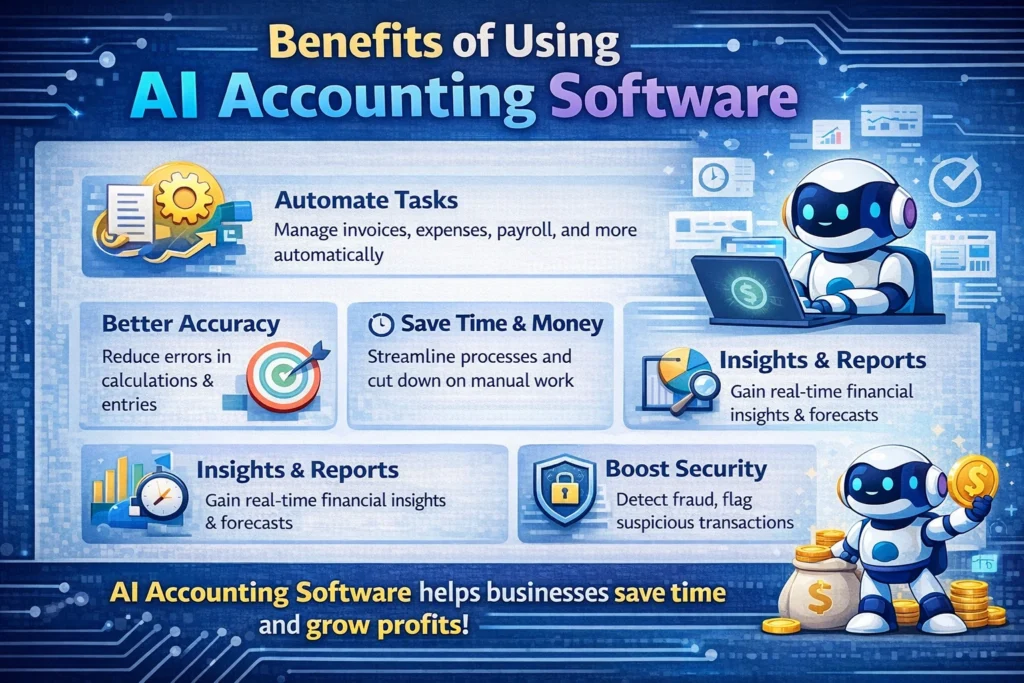
Adopting AI accounting software offers several advantages that go beyond basic bookkeeping.
Time Savings
Manual accounting tasks can take hours each week. With automated accounting software, these tasks are completed instantly, freeing up time for strategic work.
Improved Accuracy
Human errors in accounting can be costly. AI reduces these risks by ensuring consistent and precise data processing.
Real-Time Financial Insights
AI tools provide up-to-date financial data, helping businesses make informed decisions quickly.
Cost Efficiency
Instead of hiring additional staff, businesses can rely on AI tools to handle many accounting tasks.
Scalability
As your business grows, AI tools can handle increased workloads without requiring major changes.
These benefits make AI an essential component of modern financial management, especially for small and medium-sized businesses.
How to Choose the Best AI Accounting Software
Selecting the right tool depends on your specific needs and business model.
1. Identify Your Requirements
Do you need invoicing, bookkeeping, or full financial management? Understanding your needs will help narrow your options.
2. Consider Ease of Use
The best tools are user-friendly and don’t require accounting expertise.
3. Evaluate Automation Features
Look for features such as:
- Automatic categorization
- Invoice generation
- Financial reporting
The more automation, the greater the productivity gains.
4. Check Integrations
Ensure the software integrates with your existing tools, such as payment platforms and CRMs.
5. Budget and Pricing
While some tools are affordable, others offer premium features at higher costs. Choose a solution that provides the best value.
By carefully evaluating these factors, you can select the right AI bookkeeping tools for your business.
Common Mistakes to Avoid When Using AI Accounting Tools
While AI offers many benefits, improper use can reduce its effectiveness.
Over-Reliance on Automation
AI should assist, not replace, human oversight. Always review financial data.
Ignoring Setup and Training
Proper setup is crucial for accurate results. Take time to configure your system correctly.
Choosing the Wrong Tool
Not all tools fit every business. Selecting the wrong software can lead to inefficiencies.
Poor Data Quality
AI depends on accurate data. Ensure your financial inputs are correct.
Lack of Monitoring
Regularly review your financial reports to ensure everything is functioning as expected.
Avoiding these mistakes will help you get the most out of your AI accounting software.
FAQ: AI Accounting Software
1. What is AI accounting software?
It is software that uses artificial intelligence to automate bookkeeping, invoicing, and financial management tasks.
2. What are the best AI bookkeeping tools in 2026?
Popular options include QuickBooks, Xero, FreshBooks, Zoho Books, and Vic.ai.
3. Is AI accounting software suitable for small businesses?
Yes, especially for AI for small business accounting, as it reduces workload and improves efficiency.
4. Can AI replace accountants?
No. AI assists with tasks but still requires human oversight for complex decisions.
5. How do AI invoicing tools work?
They automatically generate invoices, track payments, and send reminders, reducing manual effort.
Conclusion: Start Using AI Accounting Software Today
The rise of AI accounting software is reshaping how businesses manage their finances. By automating repetitive tasks, improving accuracy, and providing real-time insights, these tools offer a significant advantage.
Whether you’re a freelancer or running a growing company, adopting the right solution can save time, reduce costs, and improve financial decision-making.
Start by identifying your needs, testing different tools, and gradually integrating AI into your workflow. Over time, you’ll build a system that supports your business growth efficiently.
👉 Take the next step today: explore the tools mentioned in this guide and choose the best AI accounting software for your business.
